Best seller
Gallery
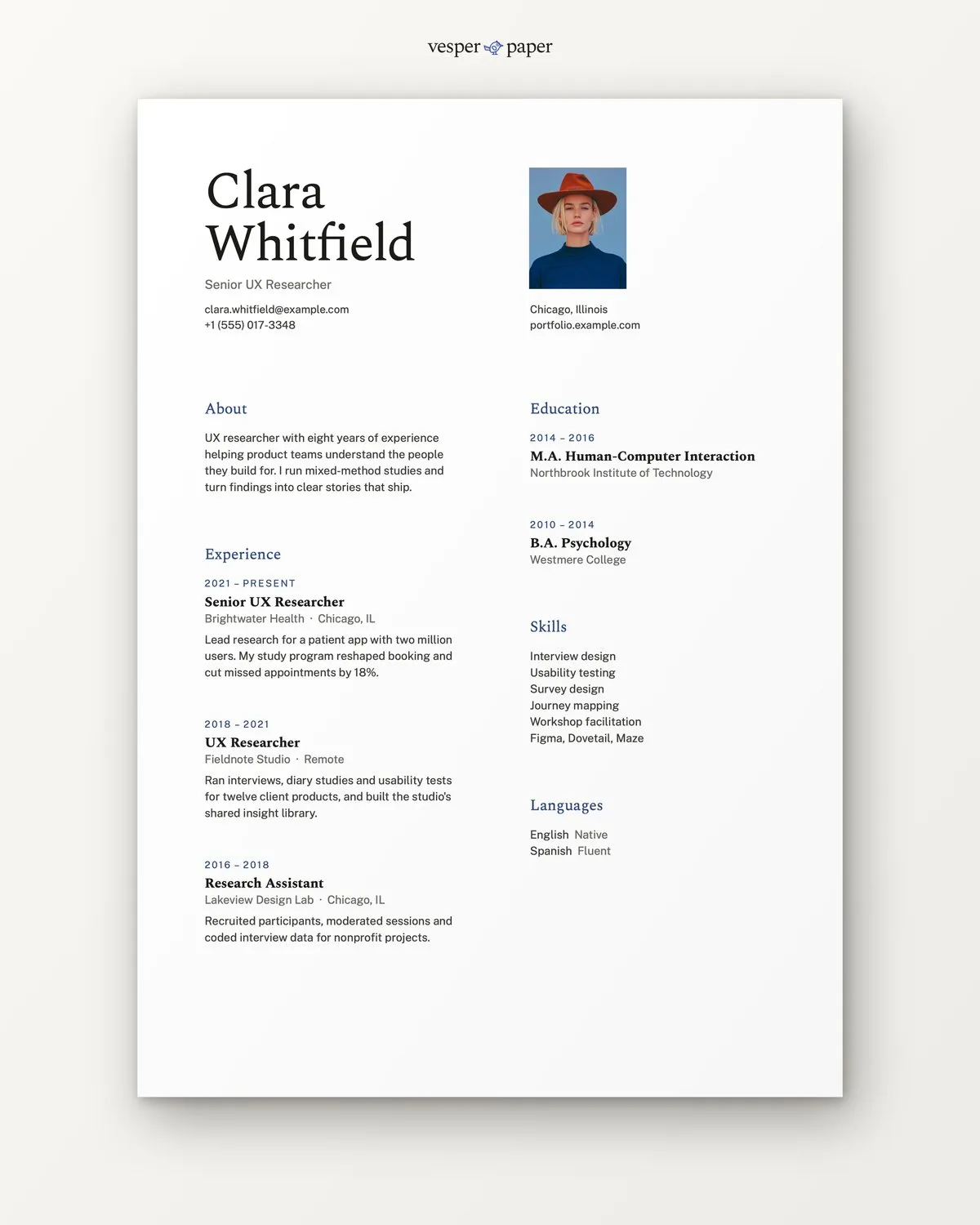
A calm, airy one-page resume for UX, product and research roles. Plenty of white space, one quiet accent colour, and a layout a recruiter reads in the order you meant.
Files arrive by email right after you pay. If a file won't open, we fix it or refund you.
- Word, Google DocsEdit in the app you already use
- A4 and US LetterSet up for both paper sizes
- Setup guide (PDF)Fonts, photo swap, saving as PDF
Why Gallery
A resume that gets read,
not just opened.
Recruiters give a resume a few seconds. Gallery uses that time well: your name, your role and your latest job are the first things the eye lands on.
Wide margins and clear gaps between sections mean nothing competes. Your achievements stand out because nothing else is shouting.
Colour appears only on section titles and dates, so the page looks considered. It comes in indigo, and you can change it in a few clicks.
Real text styles, no text boxes stacked on text boxes. Change a line, add a job, and the layout holds together.
name firstphoto optionalaccent datesplain skillsTake a closer look
Every detail has a reason.
- Header
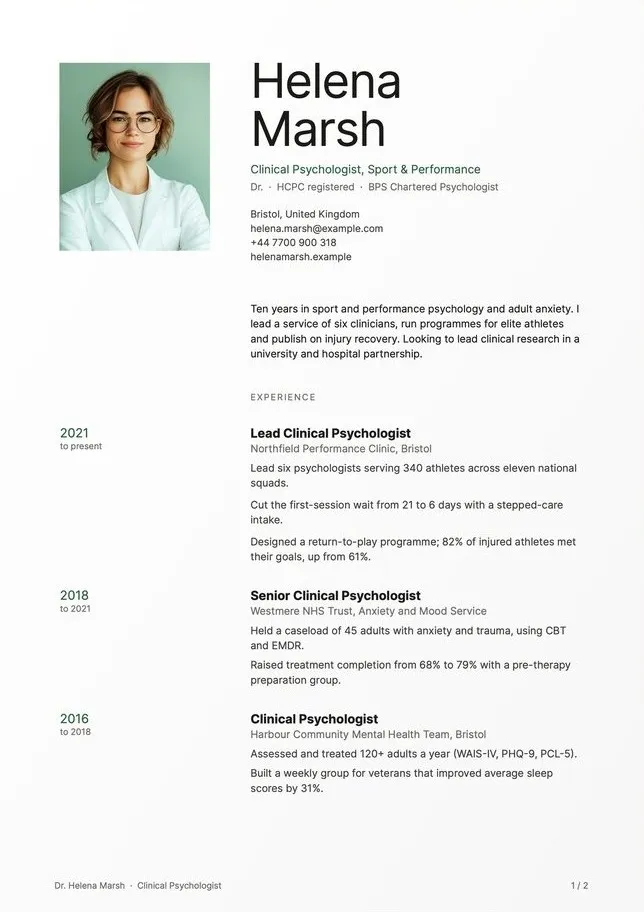
- Large name, one line for your role, contact details underneath. A portrait sits to the right, and you can remove it or swap it in seconds.
- Two columns
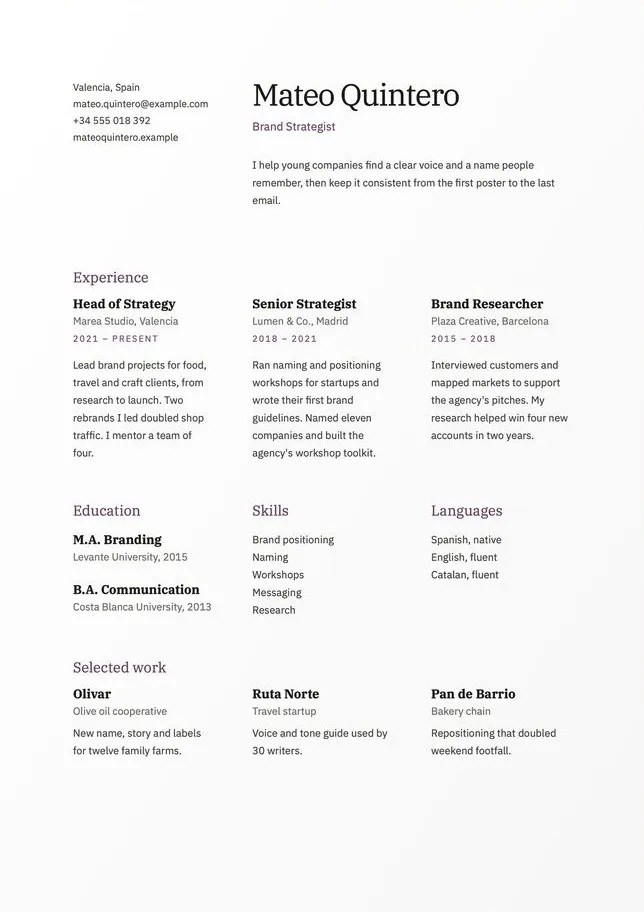
- Experience takes the wider column. Education, skills and languages sit beside it so a reader can scan both at once.
- Experience entries
- Dates, role, company and place, then two or three lines on what you did and what changed because of it. Room for three or four roles on the page.
- Type
- Spectral for titles and Public Sans for text. Both are free on Google Fonts, so there is nothing extra to buy.
What you get
Everything for one application,
and the next one.
A4 and US Letter files, ready to type into.
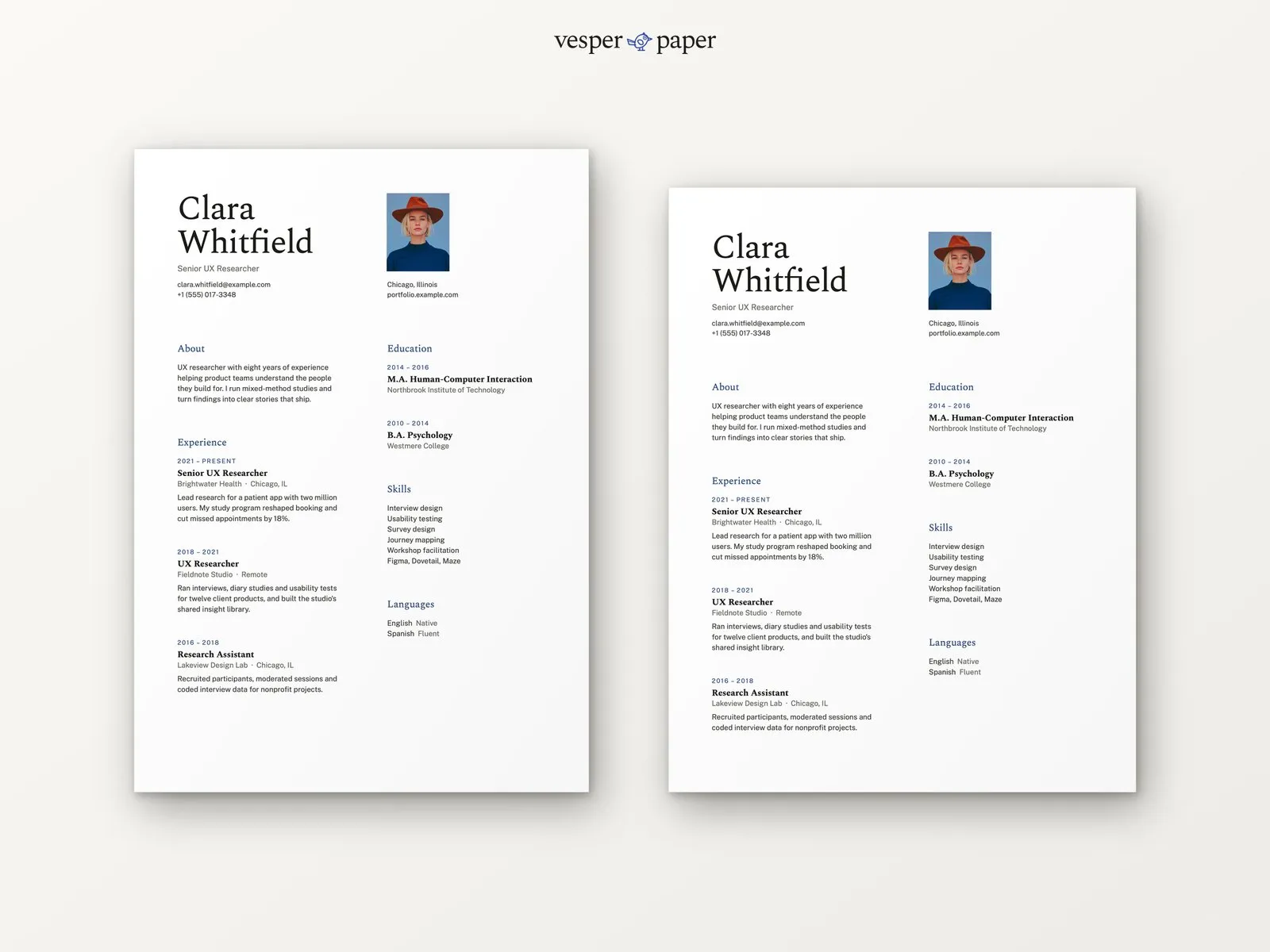
The finished sample in both sizes, so you can compare your own page with it.
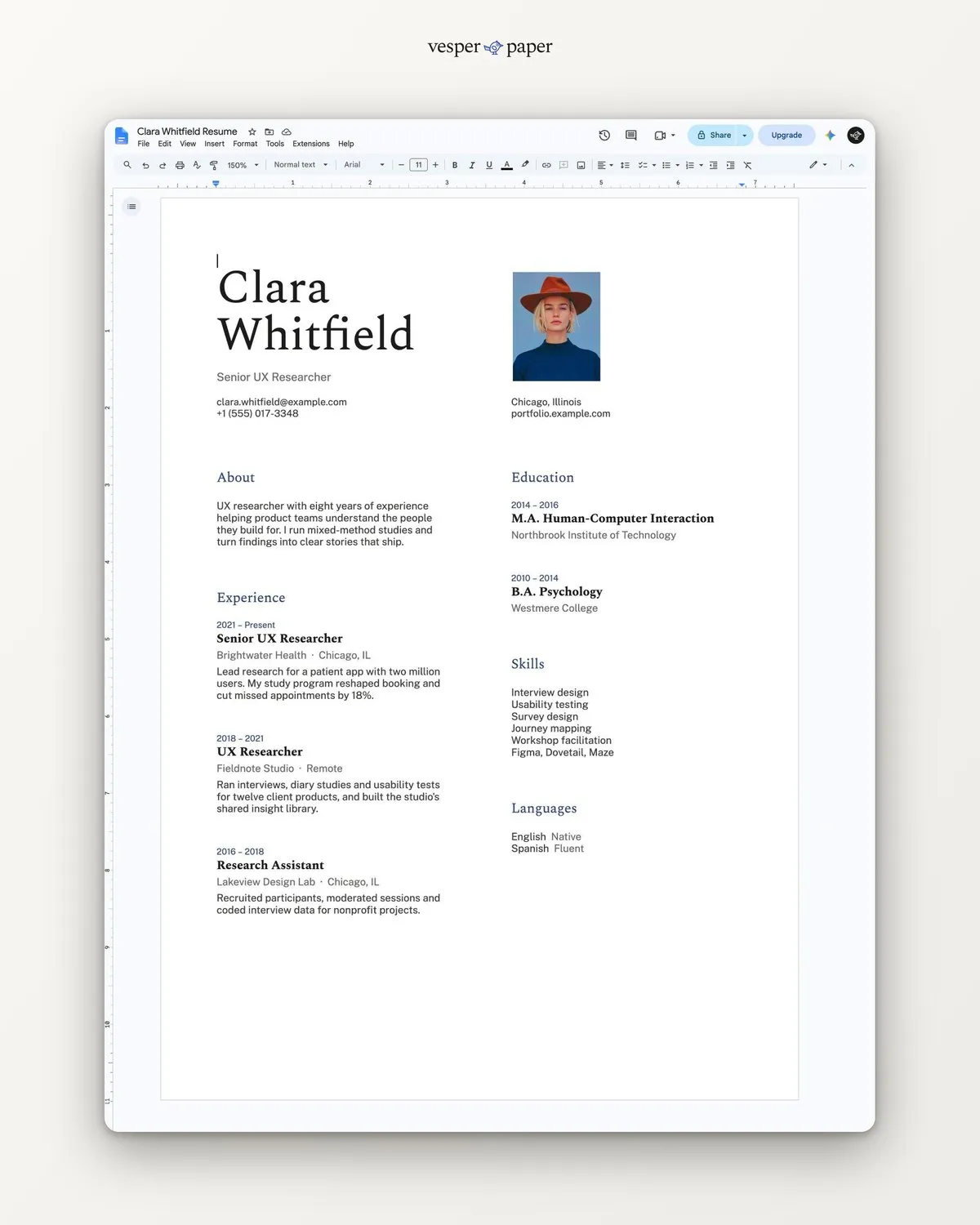
A4 and US Letter. Open the link, choose "Make a copy", and edit online. Nothing to install.
Installing the fonts, changing the accent colour, swapping the photo and saving a clean PDF, step by step for Word, Pages and Google Docs.
Works where you work
No special software.
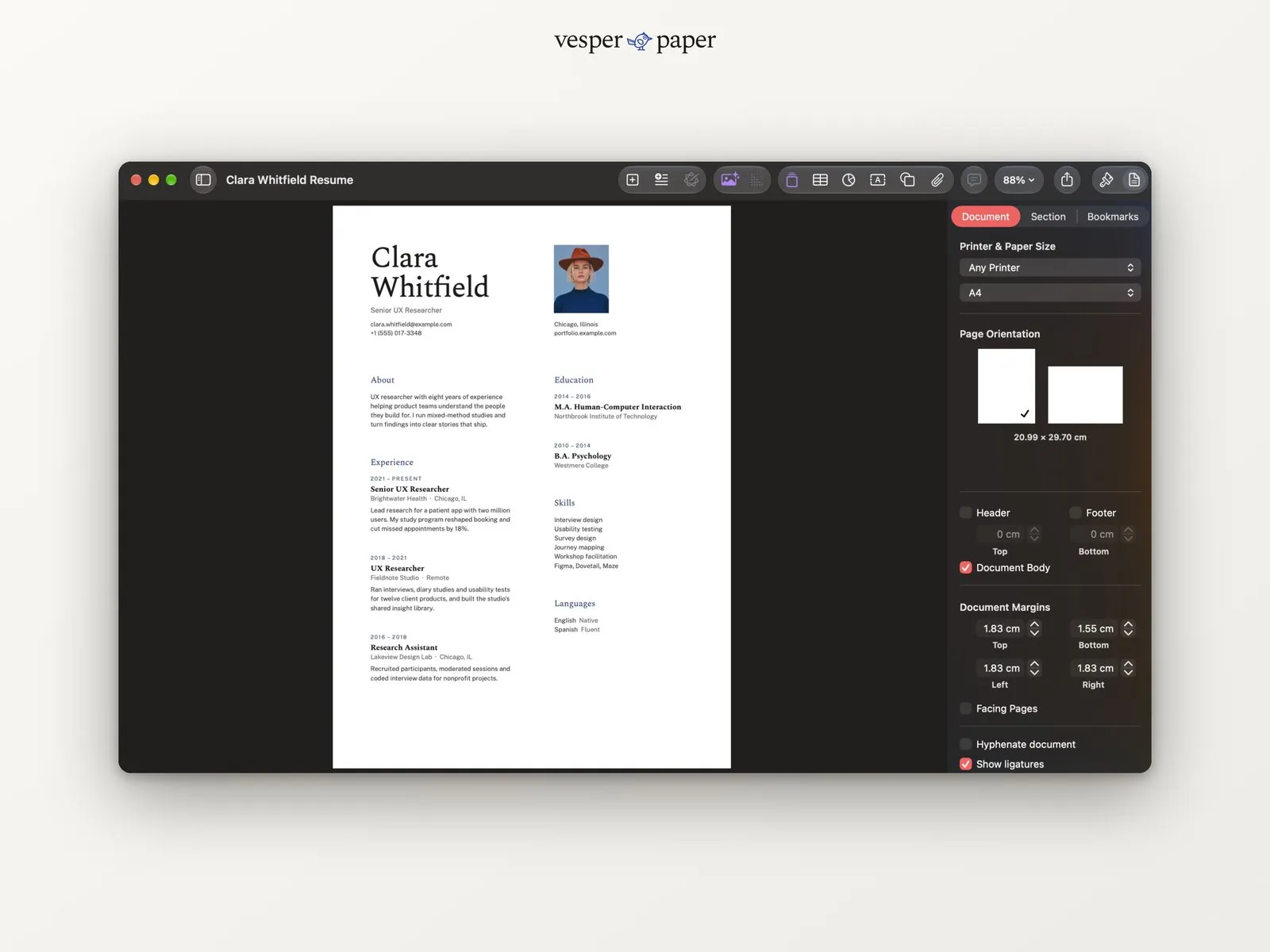
Open it in Word, Google Docs, Apple Pages or LibreOffice. If you can type in a document, you can use this.
The sample on the right is the same file open in Apple Pages.
Is it right for you?
Honest about who it suits.
A good fit if you
- work in UX, product, design, research or a similar field
- have up to about ten years of experience that fit on one page
- want a modern look that is still easy for software to read
- like a bit of white space and a single accent colour
Look elsewhere if you
- need two or three pages, such as a long academic CV (try Meridian)
- want lots of colour, icons or skill bars
- need a layout with a dark sidebar
Made for real hiring
Easy for people and for software.
Many companies run resumes through applicant tracking systems before a person sees them. Gallery is built to survive that step.
- Text is real text, not pictures of text
- One reading order, top to bottom within each column
- Standard headings: Experience, Education, Skills
- No tables inside tables, no hidden boxes
Tip: apply as a PDF unless the job post asks for Word. The guide shows how to save one that keeps its text selectable.
The details
At a glance.
- Pages
- One page
- Paper sizes
- A4 and US Letter
- File types
- .docx, PDF, Google Docs link
- Photo
- Optional, easy to swap or remove
- Accent colour
- Indigo, easy to change
- Fonts
- Spectral and Public Sans, free on Google Fonts
- Delivery
- Email with download and links, right after payment
- License
- Personal use, for your own job applications
Before you buy.
Still unsure? Write to hello@vesperpaper.com and a person will answer.
Can I use it without a photo?
Yes. Delete the photo and the rest of the page stays where it is, so there is nothing to fix.
Will it pass applicant tracking systems?
The layout uses real text, standard headings and a single reading order, which is what these systems look for. No template can promise a result, so check by pasting your PDF into a plain text editor: if it reads in order, you are fine.
Can I change the fonts and colours?
Yes, everything is editable. Both fonts are free from Google Fonts, and the guide explains how to change the accent colour in a minute.
My experience is longer than three jobs. Will it fit?
The sample holds three roles with room to spare. For more, shorten older entries to one line. If you truly need two pages, Meridian is built for that.
What do I do after I pay?
You get an email with download links for the Word files and links to the Google Docs versions. Open one, replace the sample text with yours, and save as PDF.
What if something does not open properly?
Write to hello@vesperpaper.com. We will fix the file or refund you. Since these are digital files, we can't take them back otherwise.
Can I use it for other people or sell it?
The personal license covers your own job applications. Please don't resell or share the files, or use them to make resumes for clients.
Your next application
deserves a calm page.
Buy Gallery · $8Instant email delivery · fix-or-refund if a file won't open