vesperpaper
scroll for templates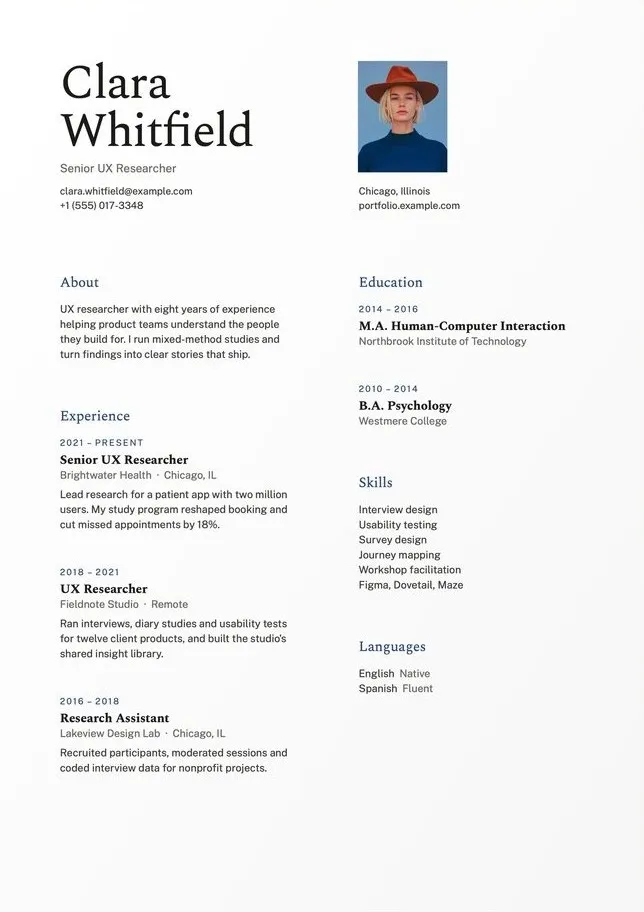
Three steps. Nothing to sign up for.
Choose a template
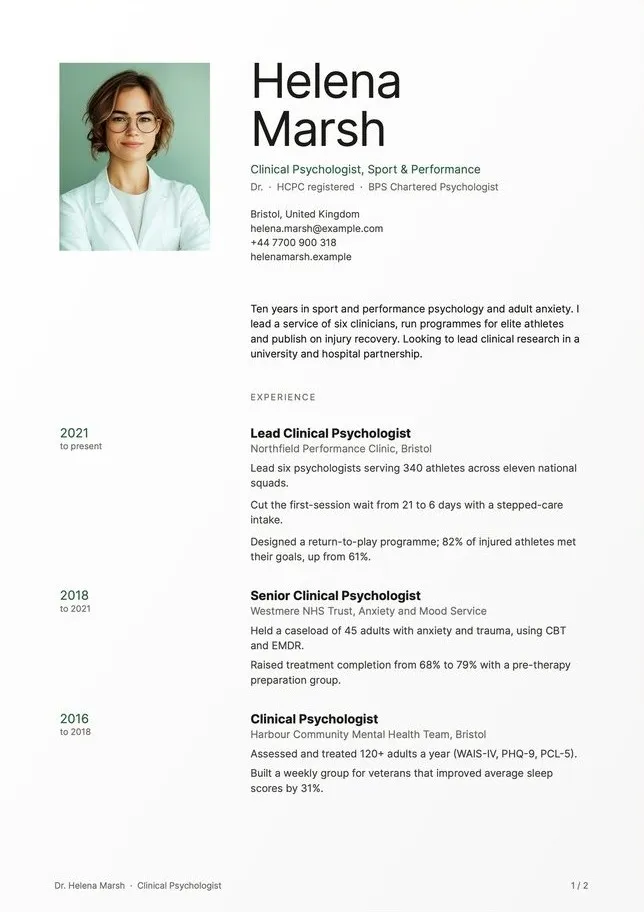
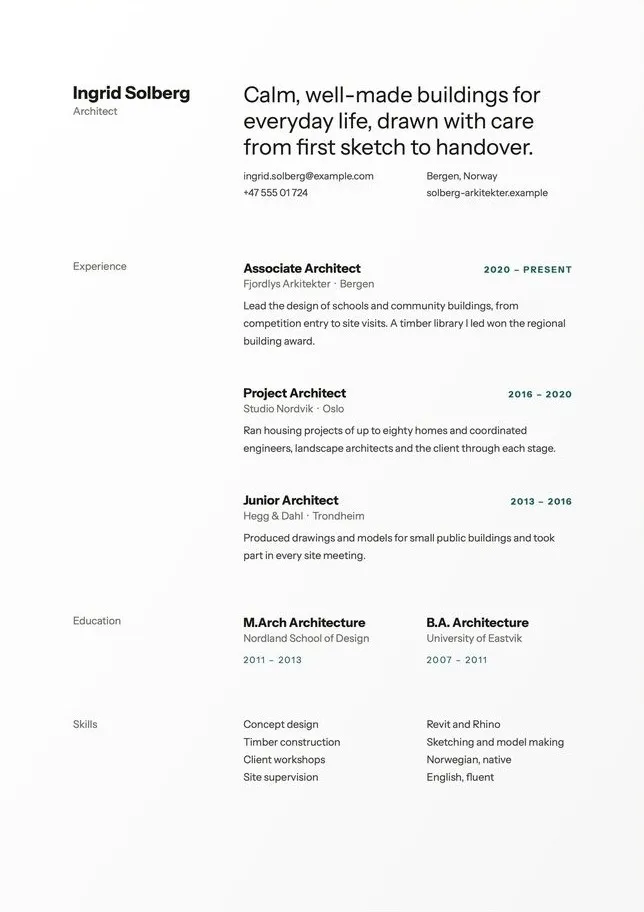
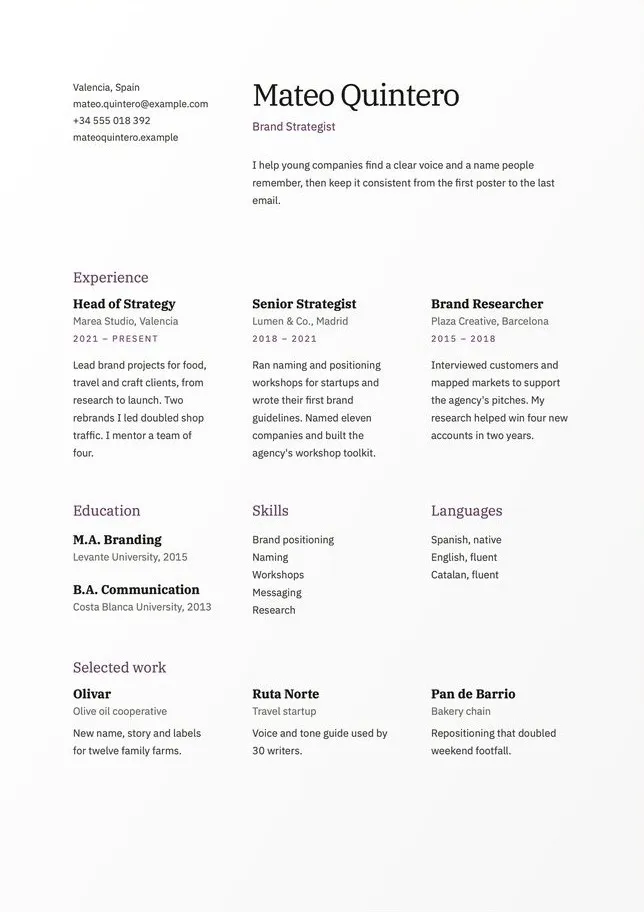
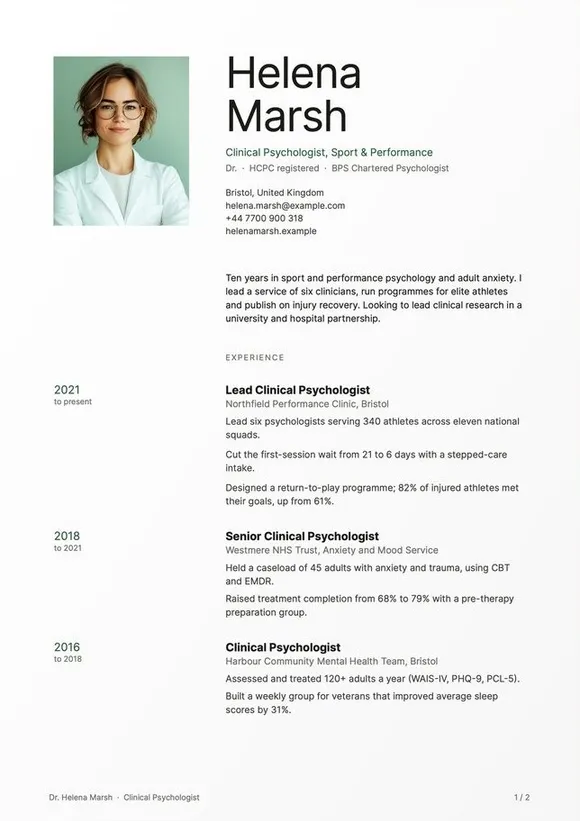
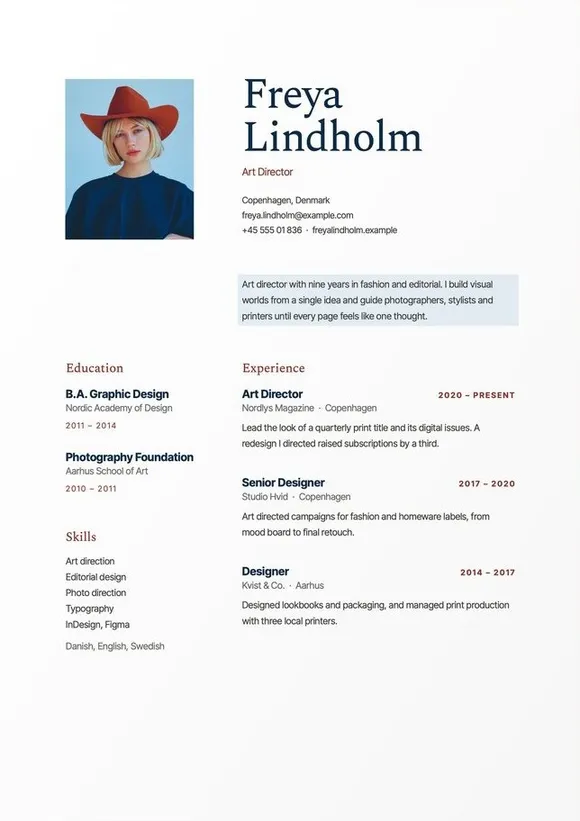
Pick the design that suits your profession. Every preview shows a full, realistic resume.
Download instantly
Pay once and get your files by email: Word, Google Docs and PDF, in A4 and US Letter.
Fill it in, privately
Type your own details on your own computer. Export to PDF and apply. We never see a word.
One design, every format you might need.
Each pack contains the resume as Word and PDF files in A4 and US Letter, Google Docs links and a step-by-step setup guide.
- Word (.docx)A4 + US Letter
- Google Docs"Make a copy" link
- Guide (PDF)Fonts, photo swap, saving as PDF
Questions, answered.
What do I get after I pay?
An email with a download link for the Word files, links to the Google Docs versions, and a short guide.
Will it work with applicant tracking systems?
Layouts use a single reading order and standard headings, which keeps text easy for software to read. Always export a PDF and check that you can select the text.
Can I change colors and fonts?
Yes. Everything is editable. We link to the free fonts used, and the guide explains how to change the accent color.
Do I need Microsoft Word?
No. The files also open in Google Docs, LibreOffice and Apple Pages.
Can I get a refund?
Digital files can't be returned, but if a template doesn't open properly, write to us and we'll fix it or refund you.
Start with a page that's
already well made.
Browse templatesBe the first to know when a new template arrives.
We add a new design every few weeks. Leave your email and we'll write once a month, only when there is something new.
About one email a month. Unsubscribe anytime. We only keep your email, nothing else.
no spam, promise