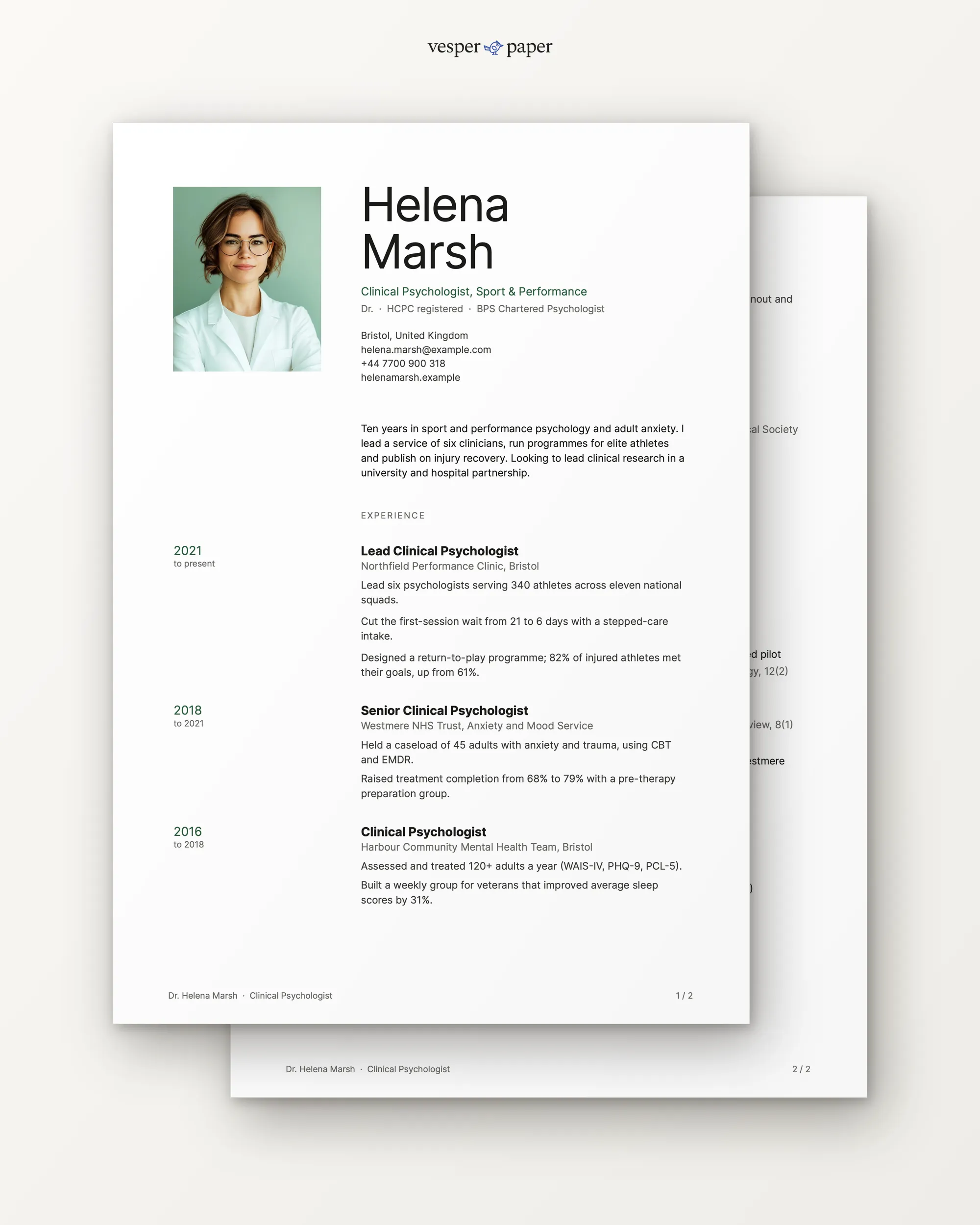
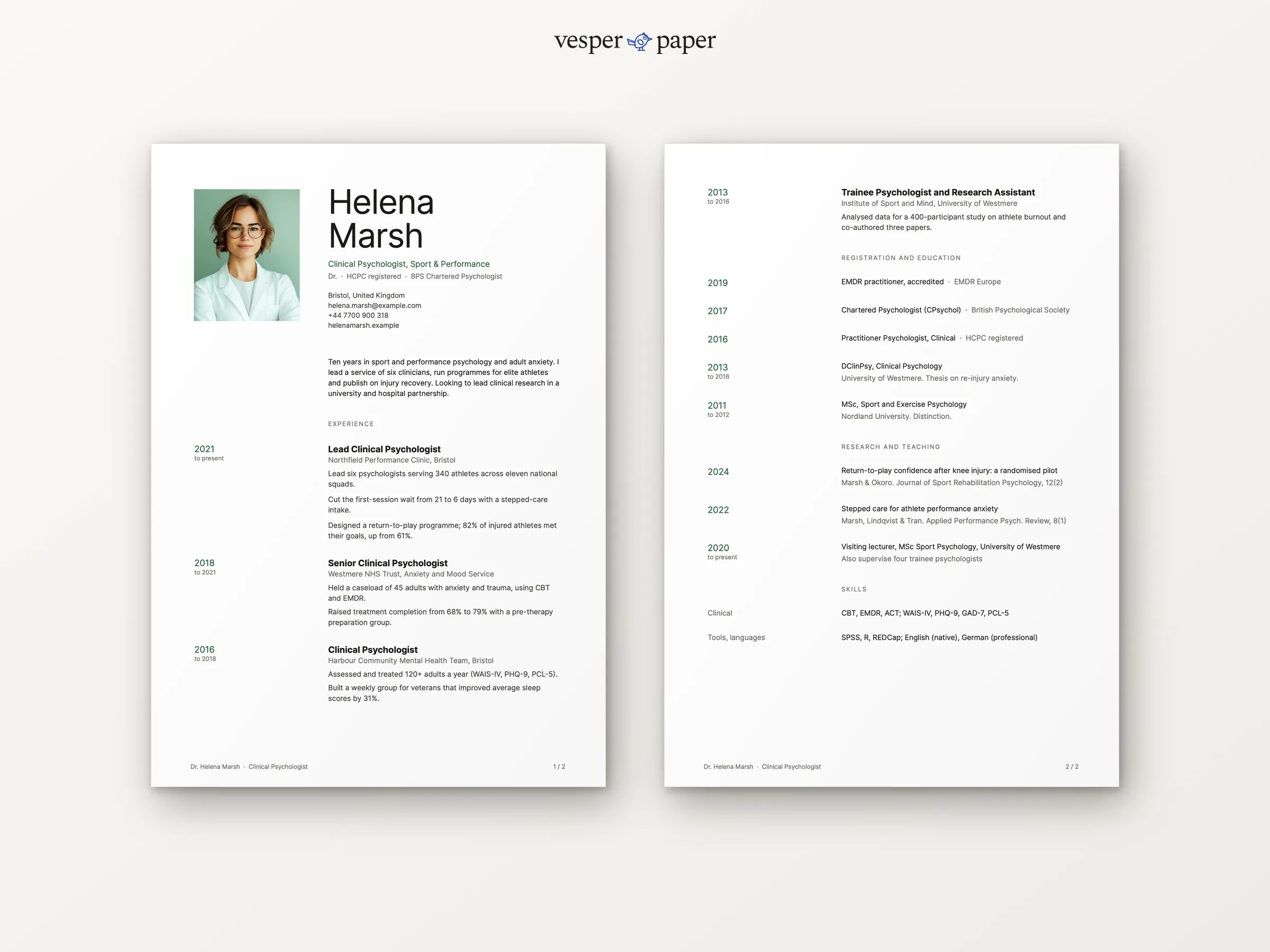
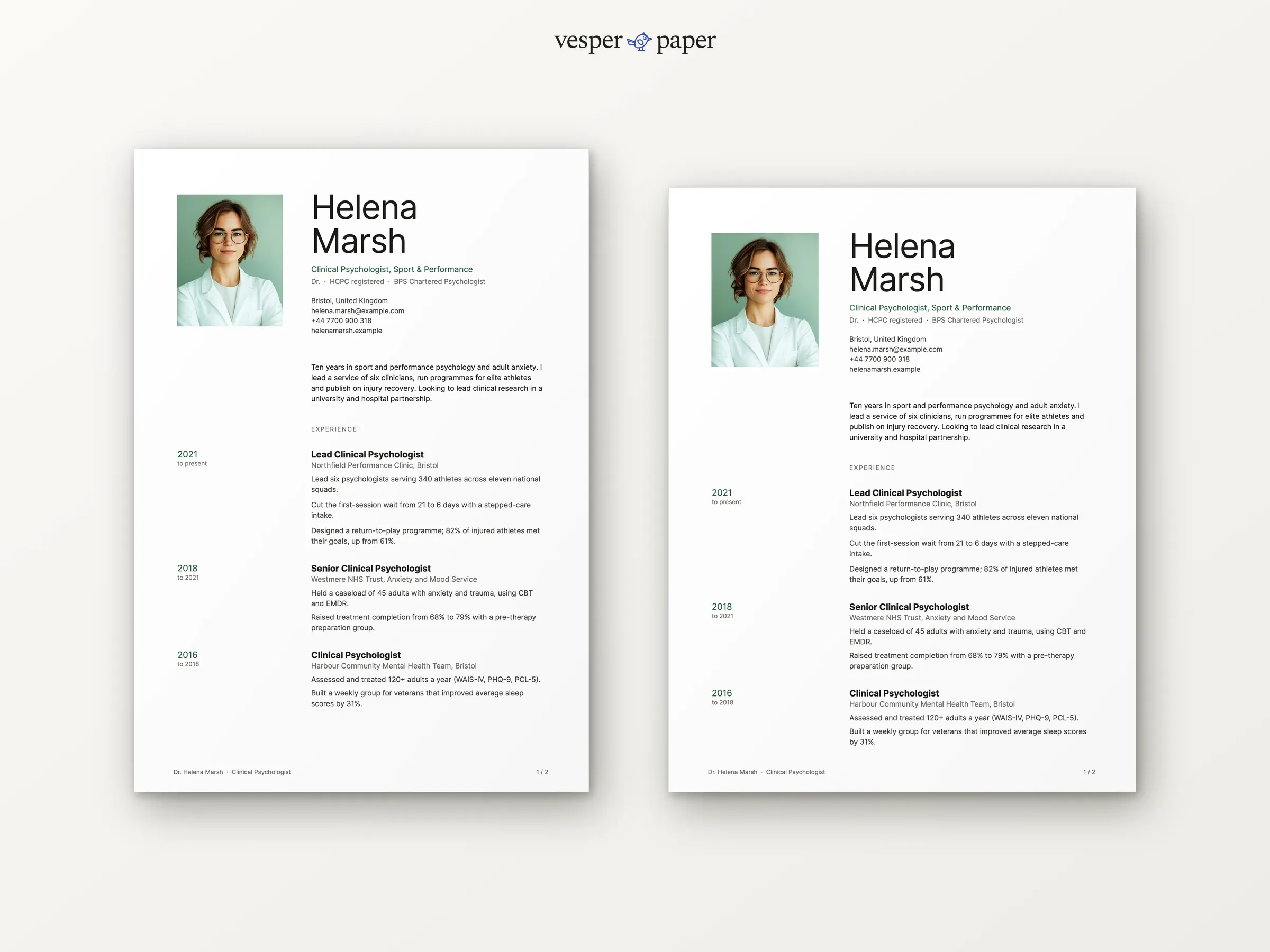
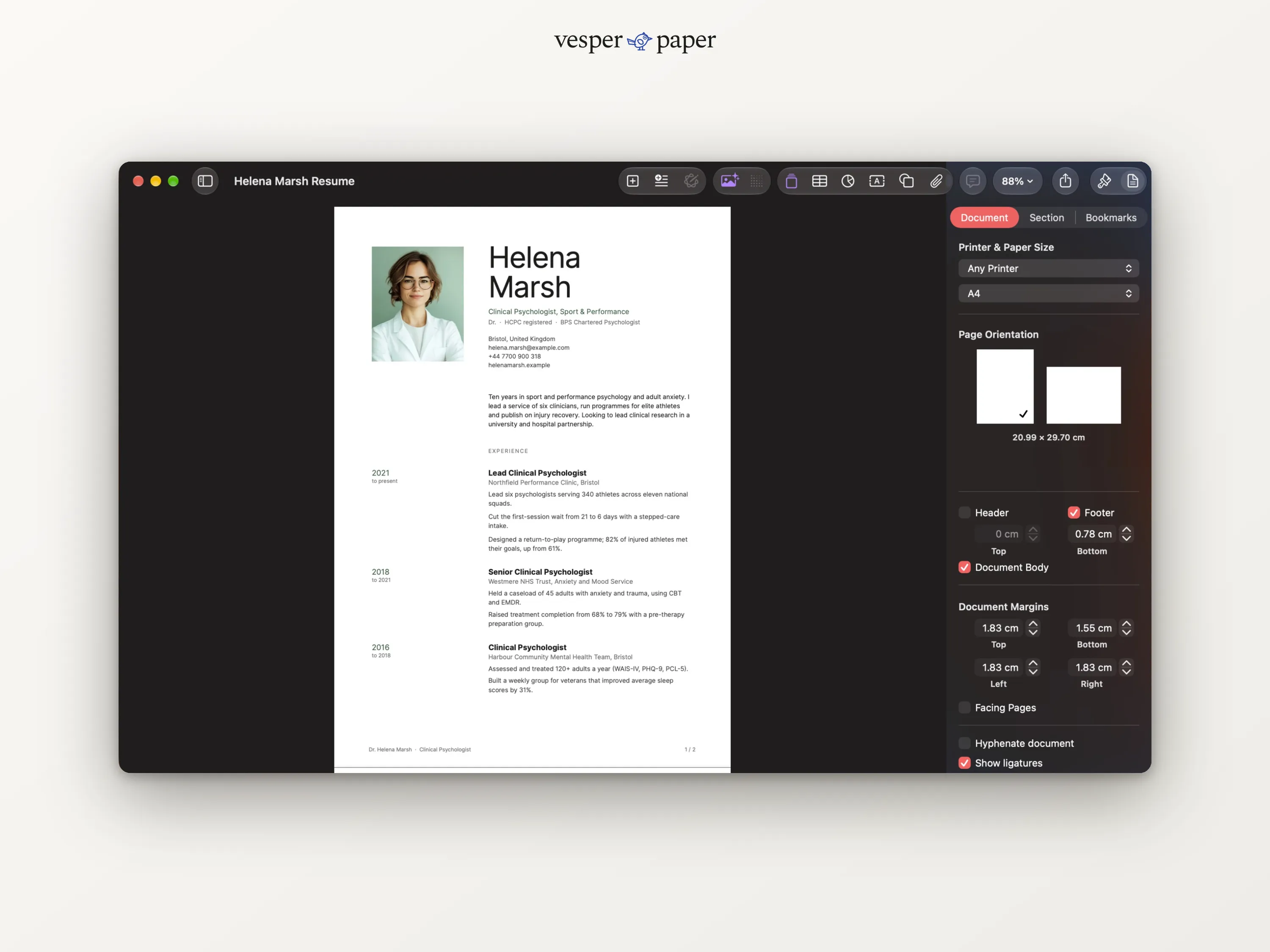
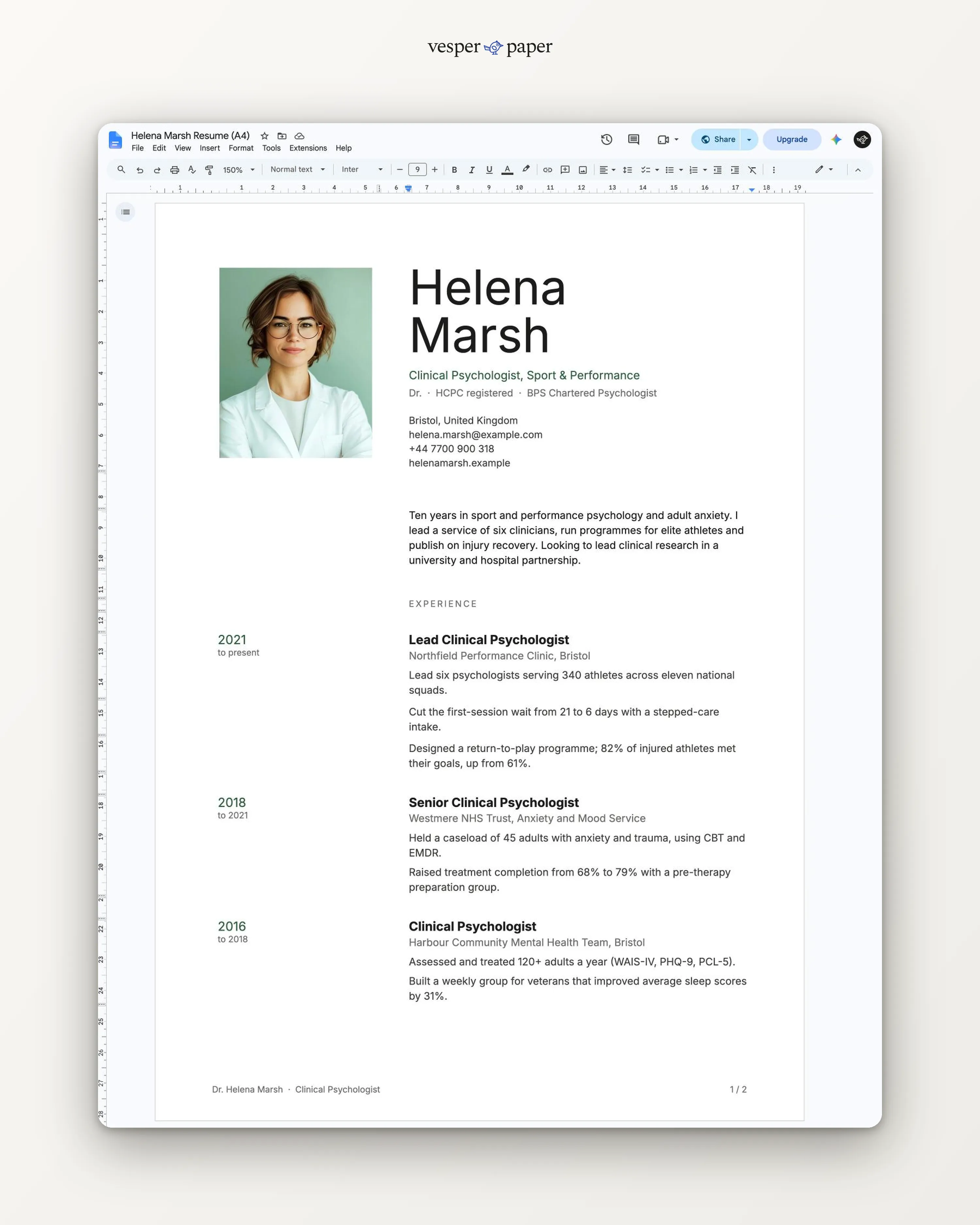
Two pages
Meridian
A two-page resume for clinicians and scientists. Room for registrations, research and teaching next to your experience, with a calm header and a small photo.
Files arrive by email right after you pay. If a file won't open, we fix it or refund you.
- Word, Google DocsEdit in the app you already use
- A4 and US LetterSet up for both paper sizes
- Two pagesLaid out and tested page by page
- Setup guide (PDF)Fonts, photo swap, saving as PDF
Why Meridian
Built for careers that need
a second page.
Clinical and research roles come with registrations, publications and teaching. Meridian gives each its own place, so page two reads as part of the story, not overflow.
Your title, registrations and chartered status sit under your name, where a panel looks first.
Each role leaves space for caseloads, wait times and service size. The sample shows a team of six serving 340 athletes.
Registration, education, research and skills continue on the same grid, with your name carried over.
What you get
Everything for one application,
and the next one.
A4 and US Letter files, ready to type into.
The finished sample in both sizes, so you can compare your own page with it.
Open the link, choose "Make a copy", and edit online. Nothing to install.
Installing the free fonts, swapping the photo and saving a clean PDF, step by step for Word, Pages and Google Docs.
Is it right for you?
Honest about who it suits.
A good fit if you
- are a psychologist, clinician, therapist or scientist
- have registrations, publications or teaching to show
- need two pages for ten or more years of experience
- want a small, optional photo
Look elsewhere if you
- need a long academic CV with funding and publications lists
- can say it all on one page (try Gallery)
Made for real hiring
Easy for people and for software.
Many companies run resumes through applicant tracking systems before a person sees them. Meridian is built to survive that step.
- Text is real text, not pictures of text
- One reading order, top to bottom within each column
- Standard headings for each section
- No text boxes floating over the page
Tip: apply as a PDF unless the job post asks for Word. The guide shows how to save one that keeps its text selectable.
The details
At a glance.
- Pages
- Two pages
- Paper sizes
- A4 and US Letter
- File types
- .docx, PDF, Google Docs link
- Photo
- Optional, easy to swap or remove
- Fonts
- Inter, free (download link and steps in the guide)
- Delivery
- Email with download and links, right after payment
- License
- Personal use, for your own job applications
Before you buy.
Still unsure? Write to hello@vesperpaper.com and a person will answer.
Can I fit it on one page?
With a short history, yes: delete older roles and the research section until everything sits on page one. For a layout designed as one page, Gallery or Quiet suit better.
Where do registration numbers go?
Your main registration goes in the line under your name. Each registration also gets its own line under Registration and education, with its year on the left. Add your number after the name of the body.
What do I do after I pay?
You get an email with download links for the Word files and links to the Google Docs versions. Open one, replace the sample text with yours, and save as PDF.
What if something does not open properly?
Write to hello@vesperpaper.com. We will fix the file or refund you. Since these are digital files, we can't take them back otherwise.
Can I use it for other people or sell it?
The personal license covers your own documents. Please don't resell or share the files, or use them to make documents for clients.
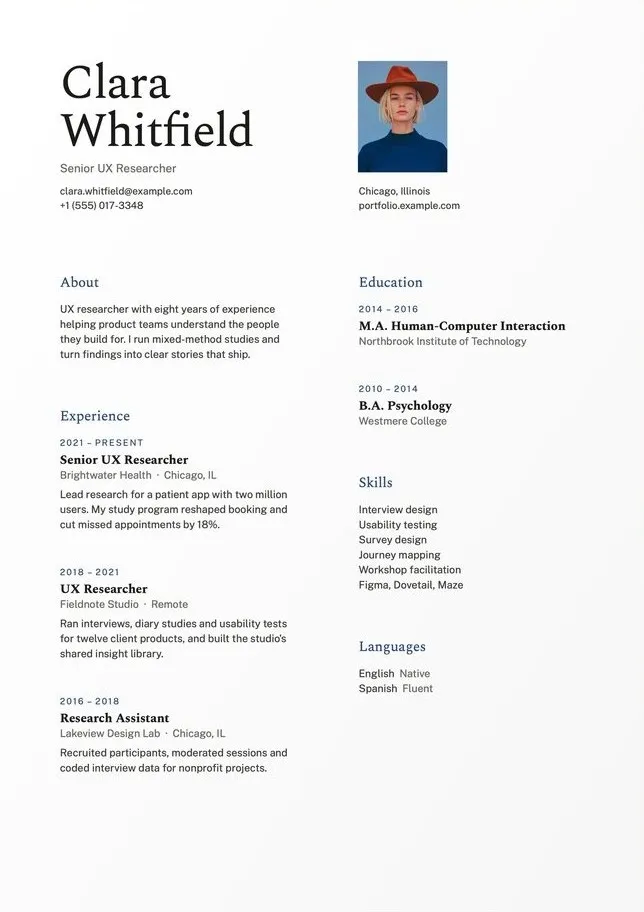
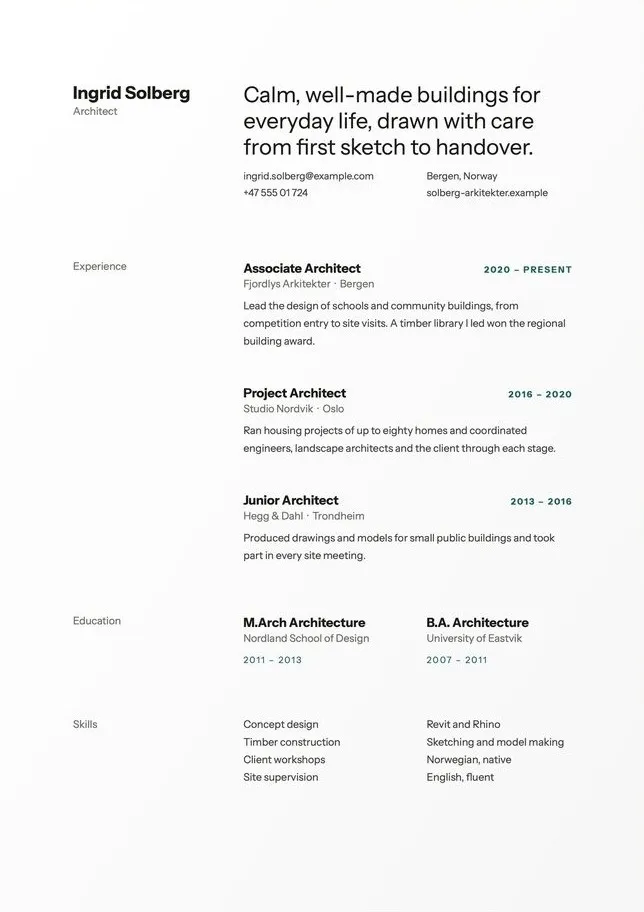
A clear record of
your clinical work.
Buy Meridian · $8Instant email delivery · fix-or-refund if a file won't open