Two pages
Studio
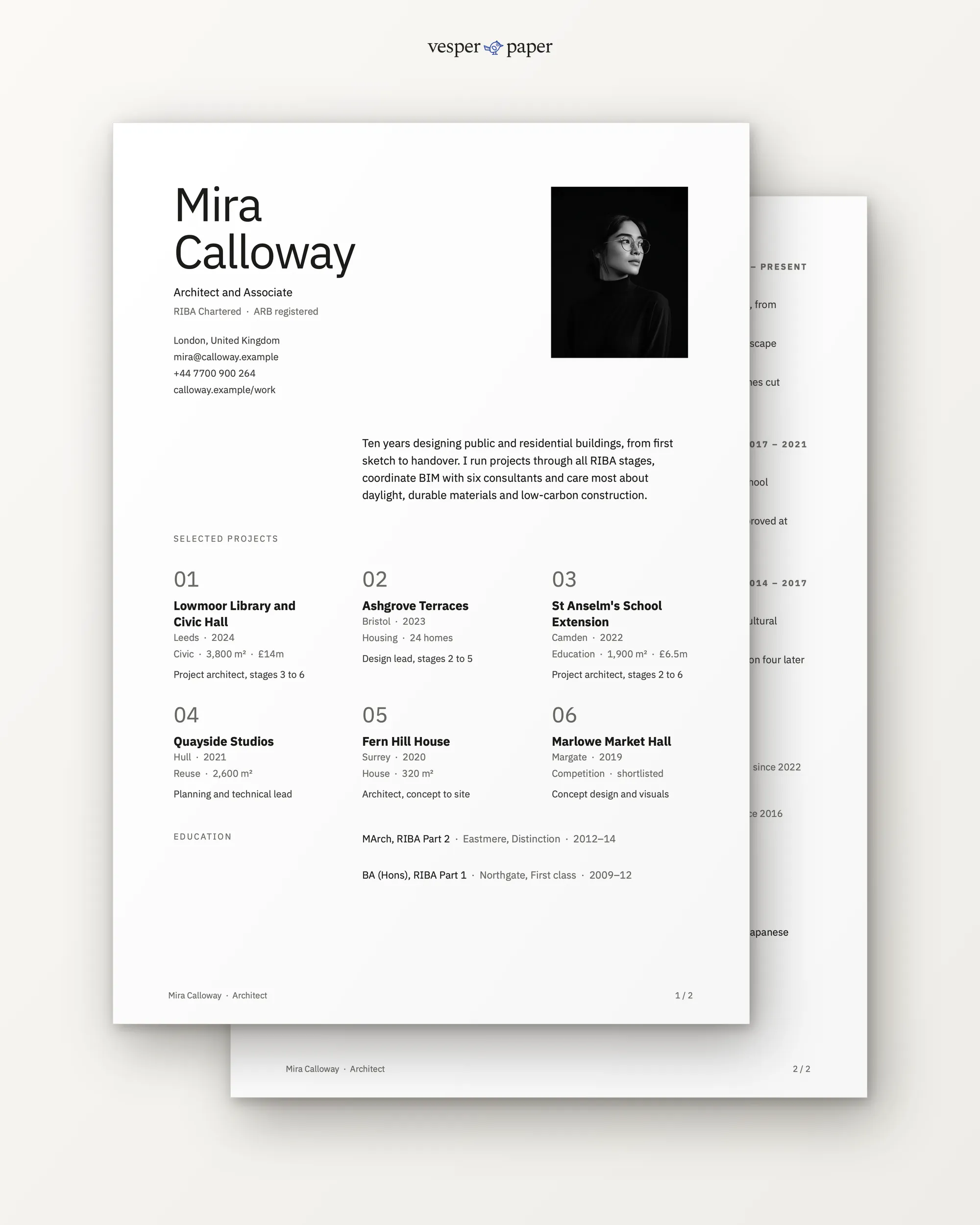
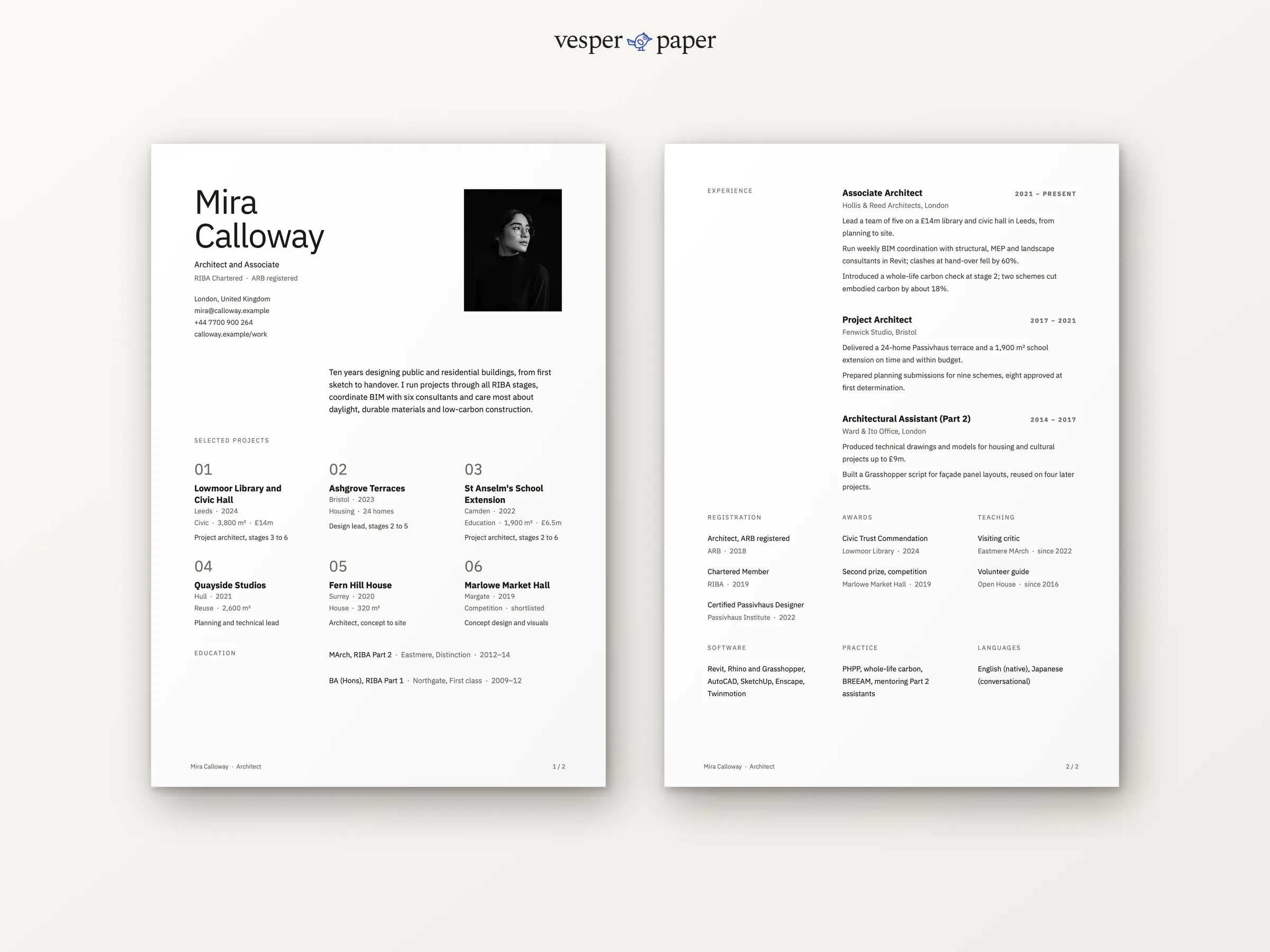
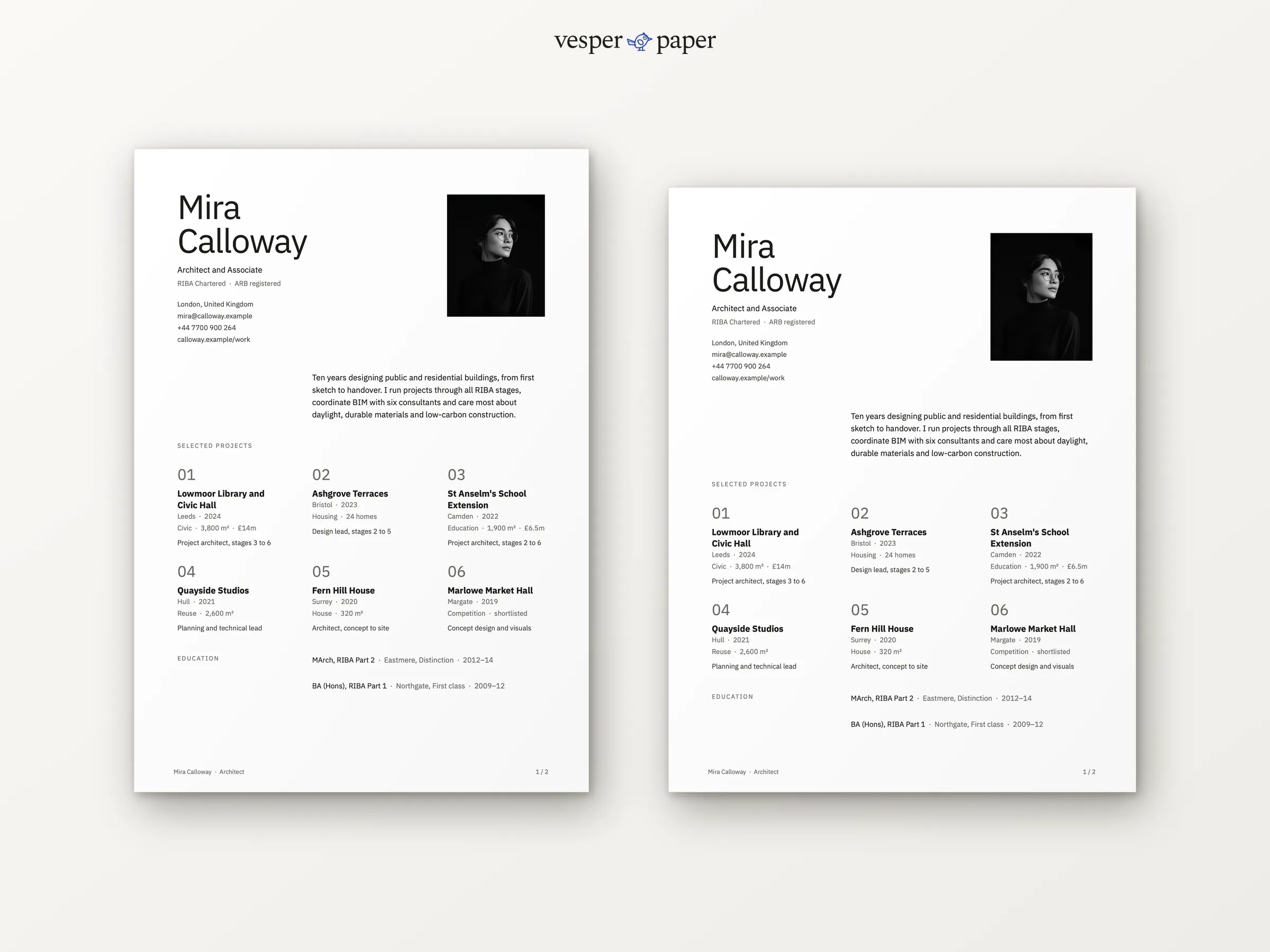
A two-page architect resume that opens with your projects: six cards with place, year, type, size or budget, and your role and stages.
Files arrive by email right after you pay. If a file won't open, we fix it or refund you.
- Word, Google DocsEdit in the app you already use
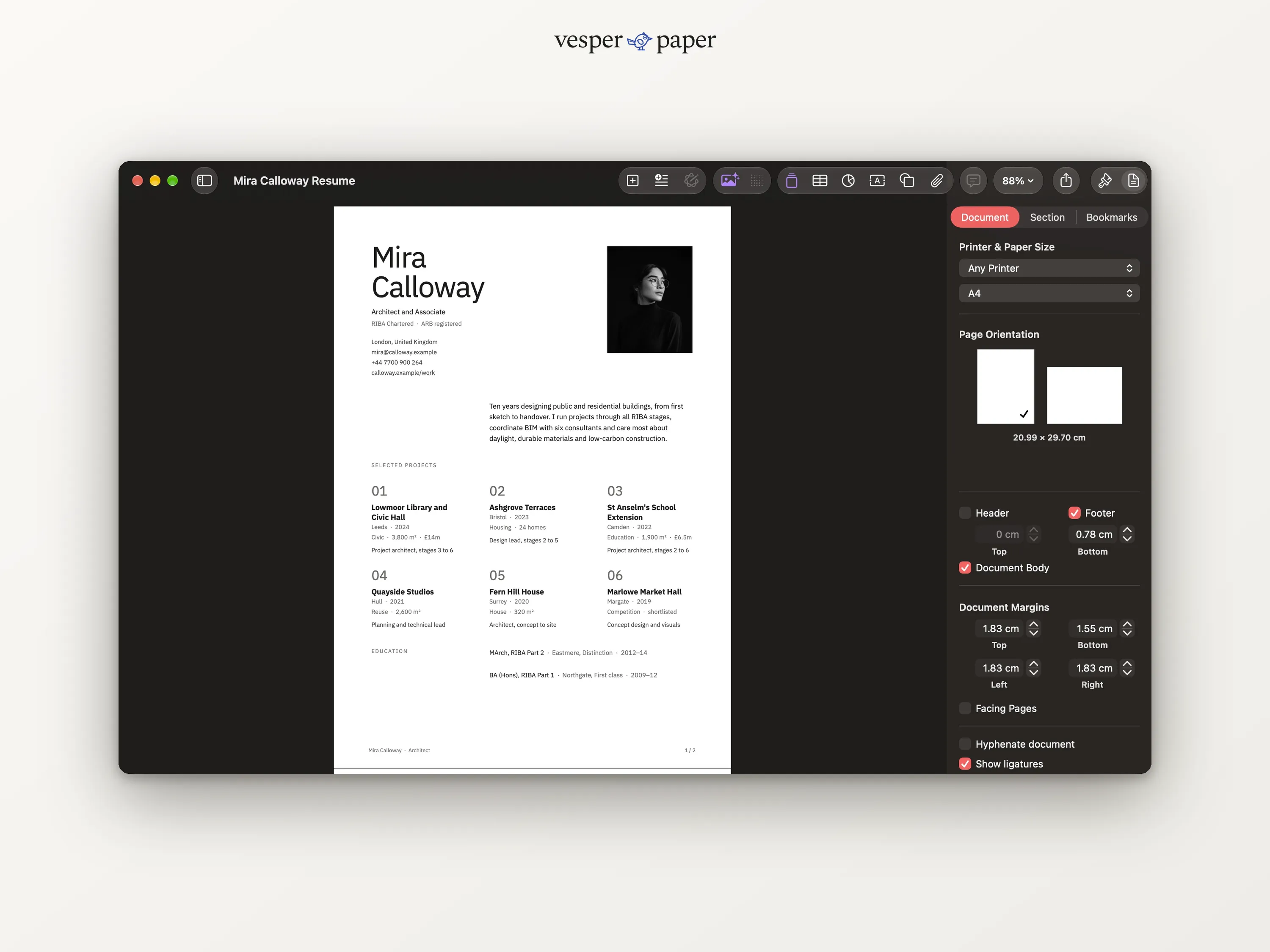
- A4 and US LetterSet up for both paper sizes
- Two pagesLaid out and tested page by page
- Setup guide (PDF)Fonts, photo swap, saving as PDF
Why Studio
Your buildings come
before your job titles.
Practices hire architects for what they have built. Studio leads with a grid of project cards, then gives your experience, registration and awards their own space.
Each card holds the name, place, year, building type, size or budget, and your role across the work stages.
Chartered status and registration sit under your name and again in full on page two.
Awards, teaching and software each get their own short section.
What you get
Everything for one application,
and the next one.
A4 and US Letter files, ready to type into.
The finished sample in both sizes, so you can compare your own page with it.
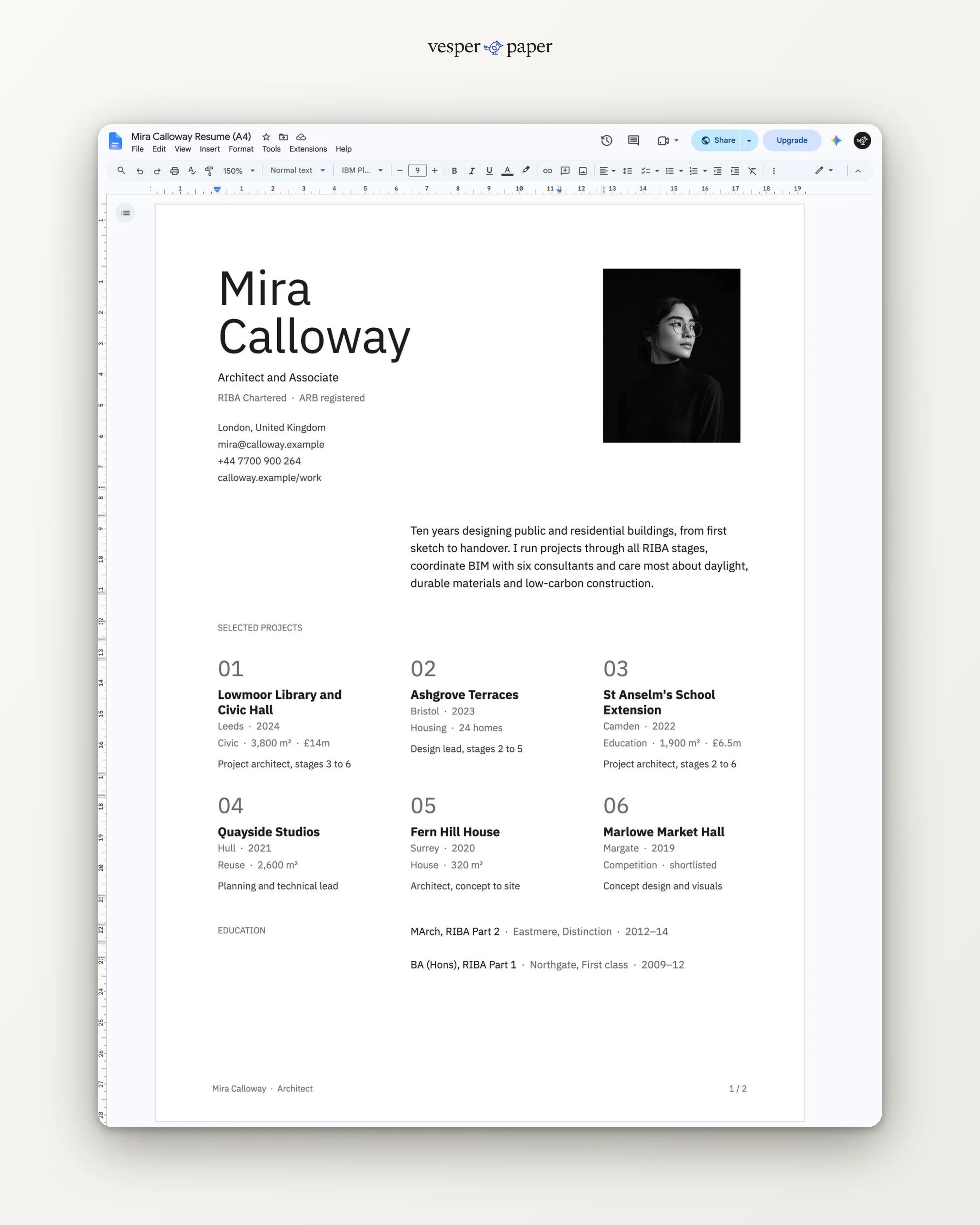
Open the link, choose "Make a copy", and edit online. Nothing to install.
Installing the free fonts, swapping the photo and saving a clean PDF, step by step for Word, Pages and Google Docs.
Is it right for you?
Honest about who it suits.
A good fit if you
- are an architect, architectural assistant or designer of buildings
- have built or detailed projects you can name
- need room for registration, awards and teaching
Look elsewhere if you
- want one plain page of text (try Quiet)
Made for real hiring
Easy for people and for software.
Many companies run resumes through applicant tracking systems before a person sees them. Studio is built to survive that step.
- Text is real text, not pictures of text
- One reading order, top to bottom within each column
- Standard headings for each section
- No text boxes floating over the page
Tip: apply as a PDF unless the job post asks for Word. The guide shows how to save one that keeps its text selectable.
The details
At a glance.
- Pages
- Two pages
- Paper sizes
- A4 and US Letter
- File types
- .docx, PDF, Google Docs link
- Photo
- Optional, easy to swap or remove
- Fonts
- IBM Plex Sans, free on Google Fonts
- Delivery
- Email with download and links, right after payment
- License
- Personal use, for your own job applications
Before you buy.
Still unsure? Write to hello@vesperpaper.com and a person will answer.
Can I show fewer than six projects?
Yes. Delete the second row of cards and three remain, which look just as good. A single empty card simply stays as white space.
Should I still send a portfolio?
Yes. Studio summarises your projects so the reader wants to open the portfolio, and it has a line for the link.
What do I do after I pay?
You get an email with download links for the Word files and links to the Google Docs versions. Open one, replace the sample text with yours, and save as PDF.
What if something does not open properly?
Write to hello@vesperpaper.com. We will fix the file or refund you. Since these are digital files, we can't take them back otherwise.
Can I use it for other people or sell it?
The personal license covers your own documents. Please don't resell or share the files, or use them to make documents for clients.